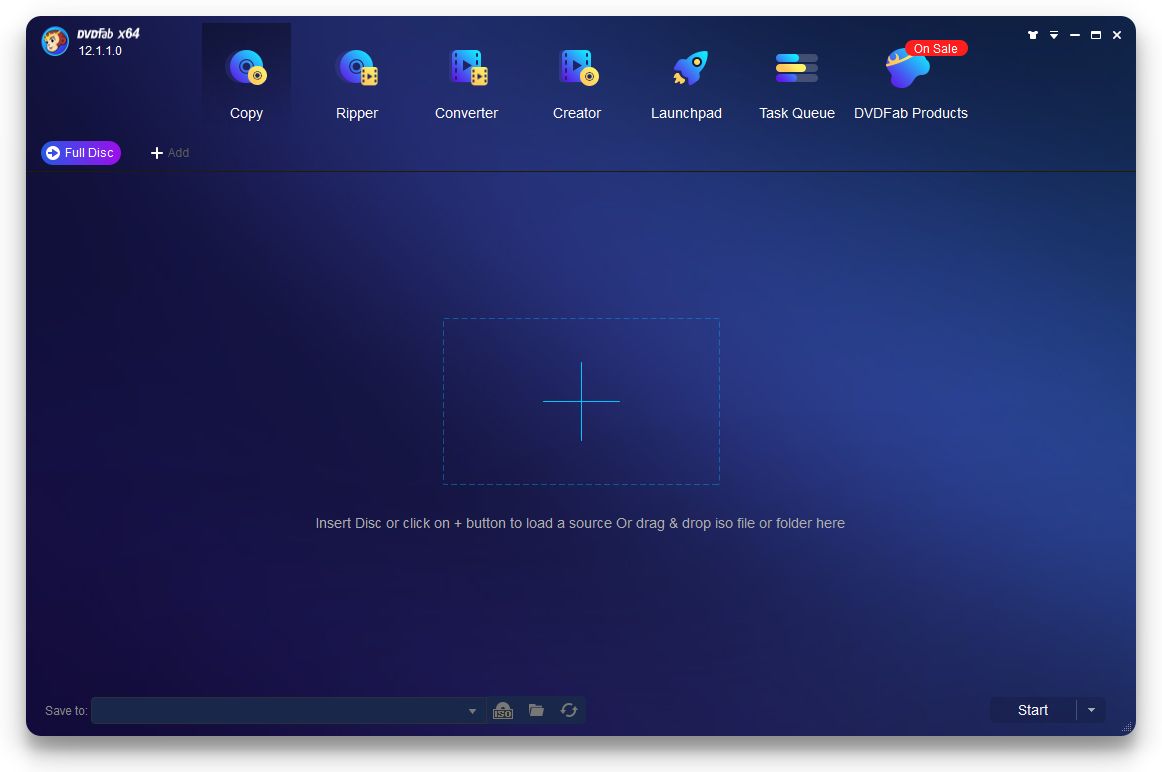
If you have ever used DVDs or Blu-ray discs for any purpose, you know that they often get scratched and are risky to maintain. That is where DVDFab HD Decrypter comes in and saves the day. If you want to create reliable backups of your important discs, this application will do it for you.
Direct hard drive backups
DVDFab HD Decrypter provides you with the option to back up DVDs and Blu-ray discs directly to your hard drive. As you are already aware, physical discs are getting rare and will soon become even rarer. In case you have old DVDs with precious movies and data on them, you will find this application very useful.Bypassing copy protection
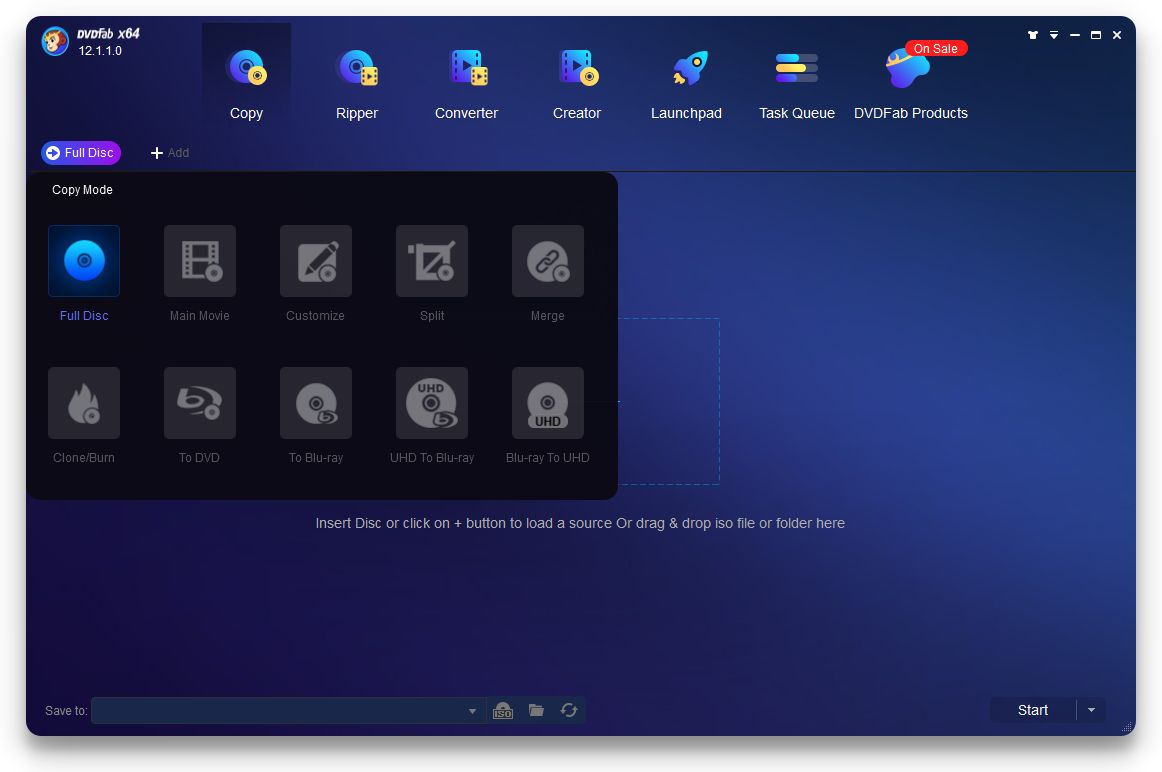
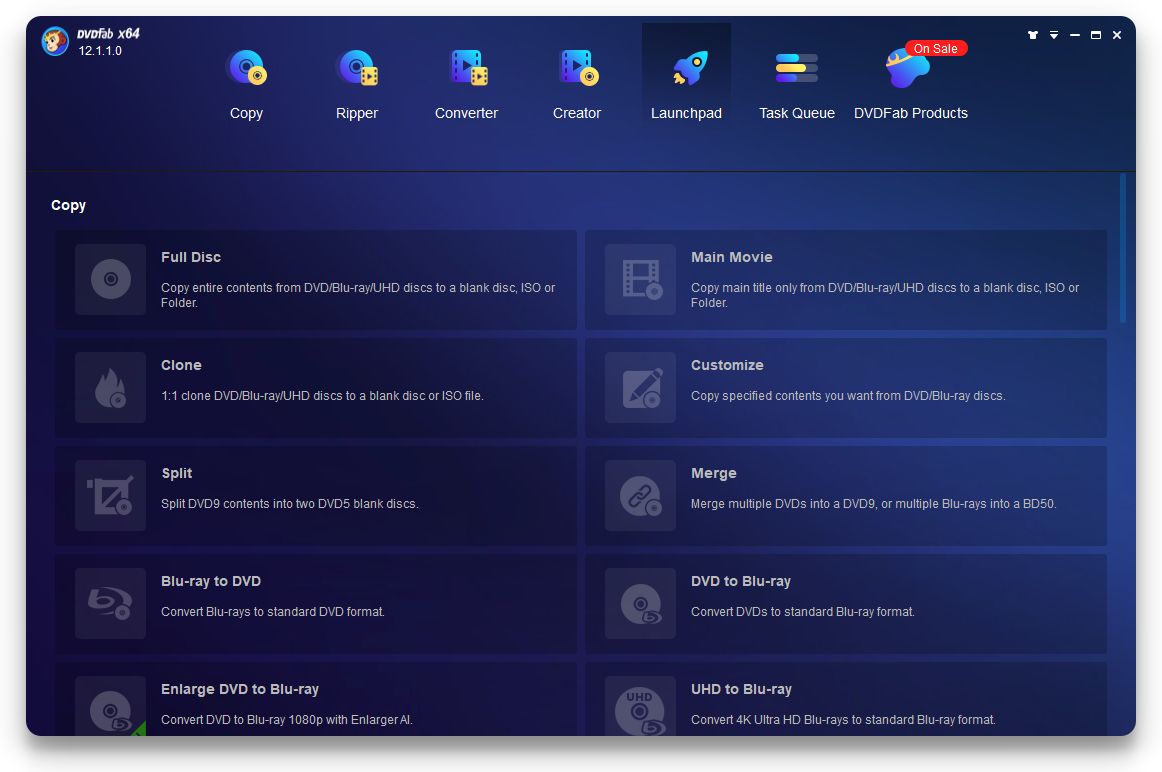
With Blu-ray discs, you know that the most annoying lock is the copy protection that prevents users from copying the content to their hard drives. With flexible backup settings and automatic compression, DVDFab HD Decrypter removes many common copy protections enabled on the disc. For copying, there are two options: you can either copy the entire disc or copy the main movie only.
If you are not aware, movie discs often come with a main movie and some posters and trailers alongside. You can copy the main movie only by selecting that option.
When you select the full disc copying option, the software will remove copy protections such as CSS, UOPs, AACS, BD+, etc.From your disc to your hard drive
DVDFab HD Decrypter is only capable of copying and backing up data from your discs to your hard drive. It cannot write data to blank DVDs or Blu-ray discs natively and it does not have burning options. Some people may see this as a downside.Convert your content into your desired formats
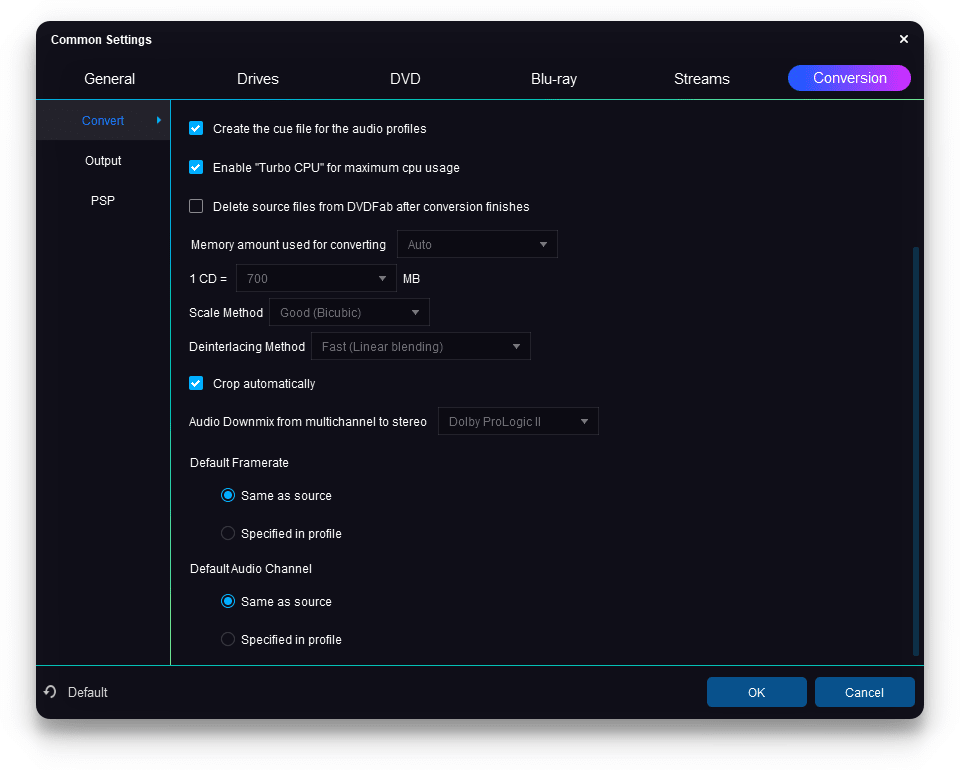
A great feature included in DVDFab HD Decrypter is the convert option. The converter built into the software is a powerful one and supports MP4 and MKV file conversion. You can choose lossless files to convert and the application will process and save the files for you as required.Completely free
DVDFab HD Decrypter essentially acts as the free tier of the DVDFab suite, alongside a paid version. The paid versions come with a few premium options such as Cloud Decryption Service, compressing video size, Hardware GPU Acceleration, AI solutions, and more. However, the free version is more than enough for daily usage.A great tool for physical media preservation
DVDFab HD Decrypter is a great application for people who are looking for solutions to back up or extract content from their physical media, including DVDs and Blu-ray discs. What makes it even better is that it is a free program that helps you back up discs directly onto your hard drive or home media server.